Oleksandr Kuzmenko, EditorPublished 6 min readAI-assisted · editor-reviewed
TL;DR
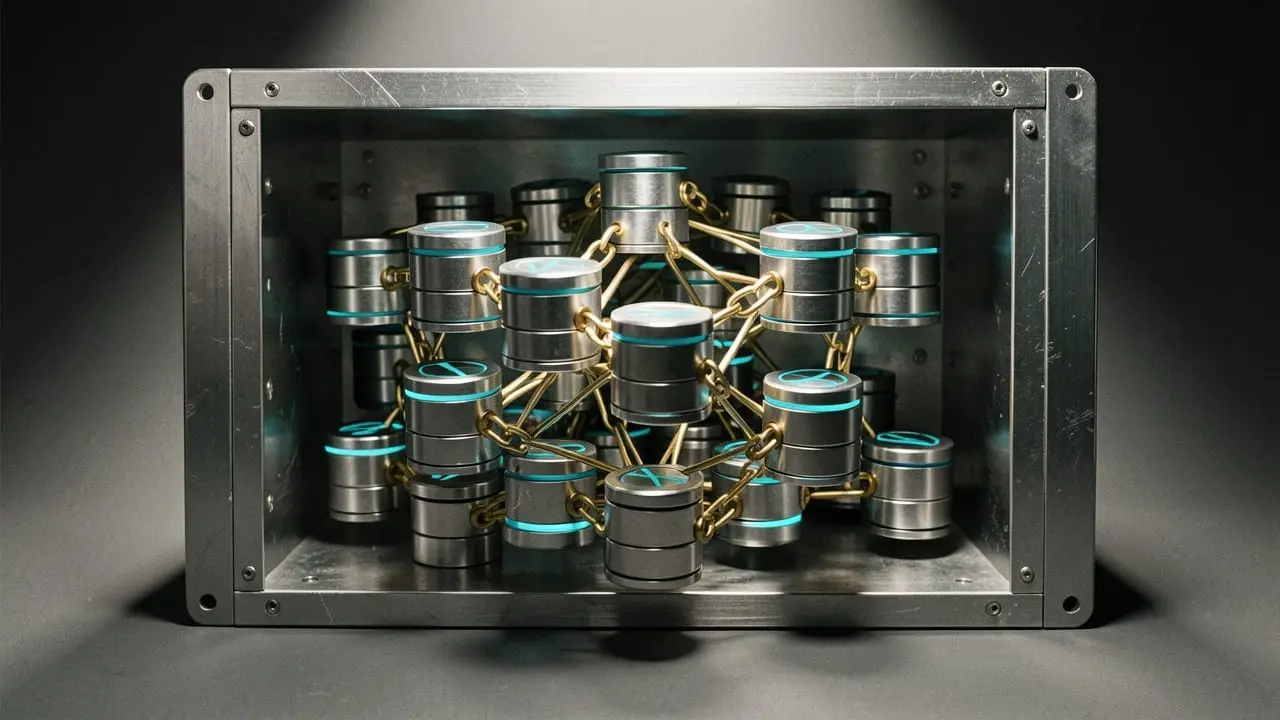
- Apple Intelligence context retrieval runs on 51 local SQLite databases inside ~/Library/IntelligencePlatform.
- The graph schema models user activities and connections using 181 entity classes and 278 predicates.
- Data access is shielded by macOS Full Disk Access permissions but stored unencrypted on disk.
Key facts
- Storage Location
- ~/Library/IntelligencePlatform
- Databases Count
- 51 SQLite databases
- Graph Vocabulary
- 181 entity classes, 278 predicates
- Relationship Classes
- 46 relationship types
- OS Requirement
- macOS 13 and later
Background Daemons and Local Store Architecture
Apple Intelligence relies on two background services operating silently on macOS 13 and later: knowledgeconstructiond and intelligenceplatformd. Together, these daemons build and update a comprehensive personal knowledge base stored in ~/Library/IntelligencePlatform. The directory contains 51 distinct SQLite databases that are accessible in plaintext, though protected by macOS Transparency, Consent, and Control (TCC) Full Disk Access.
The Triple Store Schema
The central database, graph.db, implements a structured triple store (subject, predicate, object) defined across 181 entity classes and 278 predicates. It records entities such as people, activities, locations, and applications. Relationships between entities are tracked through 46 dedicated relationship type classes, allowing the system to assign confidence scores to connections (such as employment or kinship) and retract inferences as new device activity surfaces.
Ingestion Pipelines and Inspection
The daemons continuously harvest behavioral and contextual signals, including:
- Contacts, Family Sharing ages, and emergency health contacts
- Photos facial clustering and calendar attendees
- Siri Suggestions parsed from Mail and Messages, alongside third-party App Intents
- Communication logs detailing timestamps, applications, and directions
Security researchers released iKnow, an open-source local dashboard designed to query these SQLite databases, providing developers a transparent look into how consumer operating systems assemble context for local model generation.
Try it in 2 minutes
man 8 knowledgeconstructiond
ls -la ~/Library/IntelligencePlatform/
When to use
- Auditing local device data exposure when handling sensitive enterprise codebases.
- Studying real-world local knowledge graph schemas for offline personal agent retrieval architectures.
When NOT to use
- Do not query the databases directly in production scripts without handling macOS TCC Full Disk Access errors.
- Avoid assuming the schema remains static across minor macOS operating system updates.
What to do today
- Inspect daemon documentation on macOS by running man 8 knowledgeconstructiond in your terminal.
- Verify your local IntelligencePlatform folder state under ~/Library/IntelligencePlatform/ using Full Disk Access.
- Review app intent contributions and Siri data sharing settings if managing sensitive developer environments.
Step names are taken from What to do today.
Step names are taken from What to do today. Inspect daemon documentation on macOS by running man 8 knowledgeconstructiond in your terminal.. Verify your local IntelligencePlatform folder state under ~/Library/IntelligencePlatform/ using Full Disk Access.. Review app intent contributions and Siri data sharing settings if managing sensitive developer environments.
- Inspect daemon documentation on macOS by running man 8 knowledgeconstructiond in your terminal.
- Verify your local IntelligencePlatform folder state under ~/Library/IntelligencePlatform/ using Full Disk Access.
- Review app intent contributions and Siri data sharing settings if managing sensitive developer environments.