Agents & MCPImpact: Medium
NodePad: Moving AI Agents from Chat to Canvas
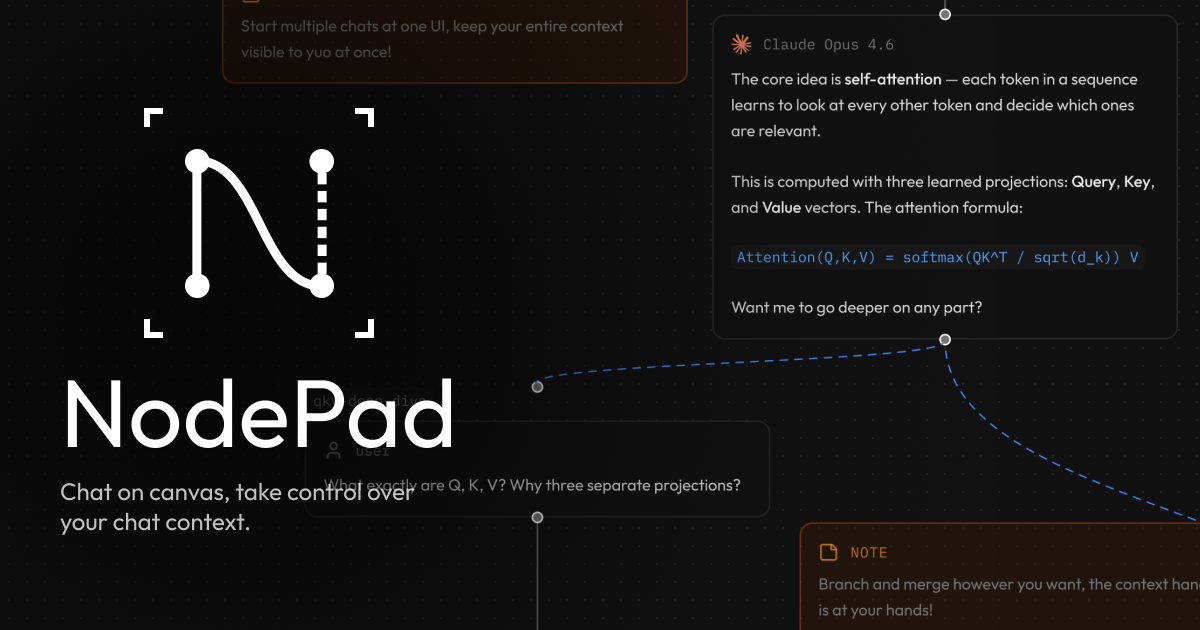
NodePad introduces a visual, node-based canvas for interacting with AI agents instead of linear chat interfaces. This allows for complex state management and branching agent logic.
Why it matters
Visualizing agent workflows helps you debug complex, multi-step prompt chains that often get lost in standard chat history.
TL;DR
- 01Shift from linear chat to canvas workflows
- 02Better debugging of branching agent logic
- 03Persistent context management
Beyond Linear Chat
NodePad provides an interactive canvas where you can orchestrate agents through node connections. Instead of scrolling through thousands of tokens in a chat log, you can inspect nodes to see exactly what context was provided at a specific step.
Key Features
- Visual Orchestration: Connect agent logic nodes to create complex task flows.
- State Management: Keep persistent context nodes across branches.
- Debugger Friendly: Inspect outputs at any node in the graph.
✓ When to use
- Complex agent workflows
- Multi-step prompt chaining
- Prototyping agent behavior
What to do today
- Visit nodepad.com to test the visual interface
- Map out your current prompt chain as a graph
#NodePad