BigArrow Lets Coding Agents Highlight macOS UI Elements for Human Interaction
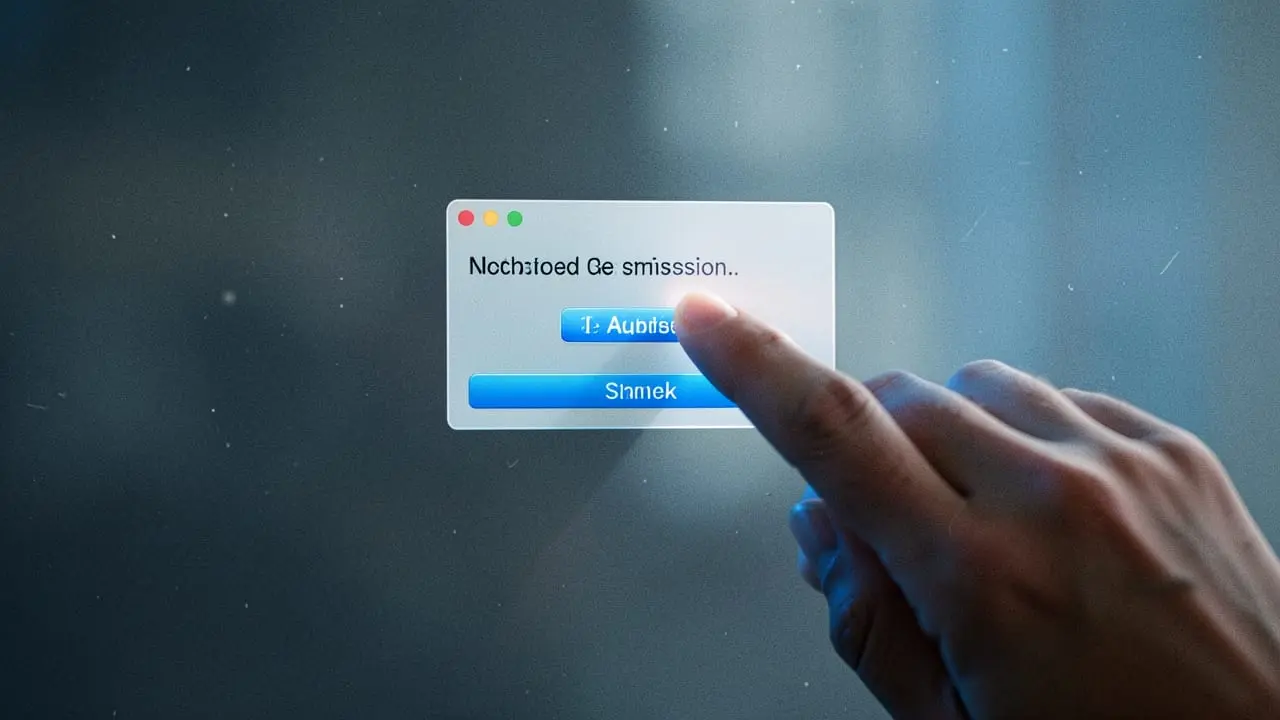
The open-source BigArrow CLI provides a click-through visual pointer that agents can trigger to highlight specific windows, buttons, or permission prompts on macOS. It installs directly as a skill for Claude Code and Codex, allowing models to hand off interactive tasks without blocking terminal output.
Why it matters
You can resolve agent stalls on OAuth consent screens, 2FA prompts, and system dialogs by letting tools point directly to target elements instead of logging unread terminal messages.
TL;DR
- 01BigArrow adds a native, non-intrusive UI overlay CLI designed specifically for autonomous macOS agents.
- 02Integrates directly into Claude Code (~/.claude/skills) and Codex (~/.agents/skills) via install-skill.
- 03Deterministic exit codes allow agents to detect and report missing OS permissions programmatically.
Key facts
- License
- MIT
- Language
- Swift (requires Xcode 16+, macOS 14+)
- Default Duration
- 8 seconds
- CPU Overhead
- 1.4% (CI runner benchmark)
- Supported Agent Skills
- Claude Code (~/.claude/skills), Codex (~/.agents/skills)
Eliminating the Human-in-the-Loop Bottleneck
Autonomous coding agents frequently encounter boundaries they cannot cross independently: OAuth prompts, passkey verifications, and macOS system permission dialogs. When hitting these barriers, models typically log plain text warnings to terminal sessions that developers rarely watch in real time. bigarrow introduces an out-of-band visual alert mechanism built in Swift with zero runtime dependencies and an MIT license.
Native macOS Integration and Zero-Focus Drawing
The tool renders click-through overlays directly onto the macOS window manager, functioning across multiple displays, Spaces, and Stage Manager setups. Core Animation handles rendering via the system render server, consuming approximately 1.4% CPU on clean test runners. Crucially, the process runs an explicit event pump instead of NSApplication.run(), preventing background arrows from stealing focus from active code editors.
# Point by element label within an application
bigarrow point --element "Allow" --app "System Settings" --text "Click Allow to proceed"

# Target coordinates directly
bigarrow point --at 760,500 --text "Confirm 2FA"
Agent Protocol and Lifecycle Management
Arrows terminate automatically after an 8-second default duration, through --until-click triggers, or whenever the parent agent process exits via environment variables like CLAUDE_PID or BIGARROW_OWNER_PID. Structured error codes support robust automated recovery:
0: Success2: Malformed input3: Target window or element not found4: Missing OS Accessibility permissions
For Claude Code environments, developers can wire bigarrow stop --hook into UserPromptSubmit hooks to wipe lingering signs between user interactions.
Try it in 2 minutes
brew install franzenzenhofer/tap/bigarrow
bigarrow install-skill
bash
✓ When to use
- Interactive Claude Code or Codex sessions requiring human intervention for 2FA or OAuth screens.
- Interactive developer onboarding scripts and guided tool configuration workflows.
- Debugging spatial coordinate pipelines used by computer-use vision models.
✕ When NOT to use
- Headless Linux or cloud CI/CD containers without an active macOS window server.
- Automations that require simulating mouse clicks or keyboard inputs programmatically.
- Environments where the invoking terminal cannot receive macOS Accessibility permissions.
What to do today
- Install BigArrow via Homebrew using brew install franzenzenhofer/tap/bigarrow.
- Register the tool with your agents by running bigarrow install-skill.
- Run bigarrow doctor to verify that your terminal emulator holds proper Accessibility entitlements.
What the community says
“Interesting. I bet agentic harnesses would find it useful for communicating with other agents / themselves as well.”
“The first example is the one that feels like it has the most potential to me. 'Teach me how to use this app myself' kinda stuff. Guiding agent rather than doing agent.”